WORXHUB WORK ORDER REQUEST SYSTEM
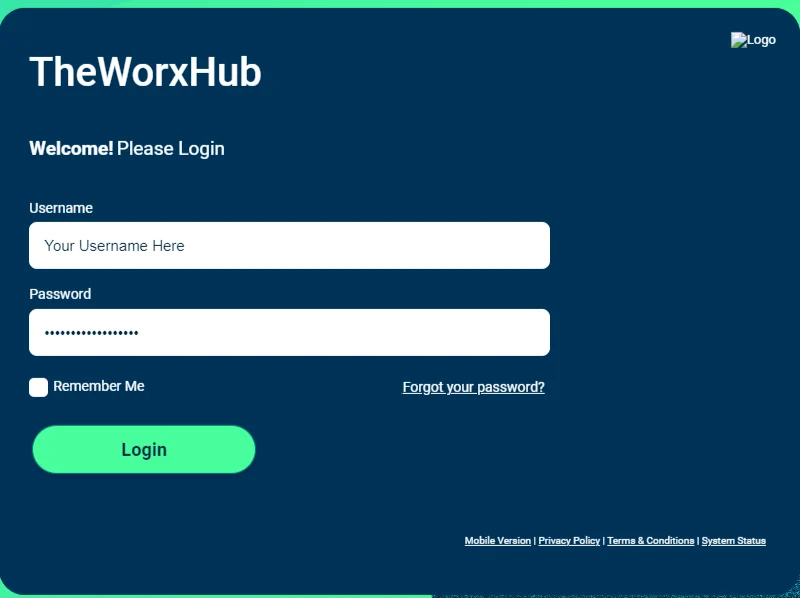
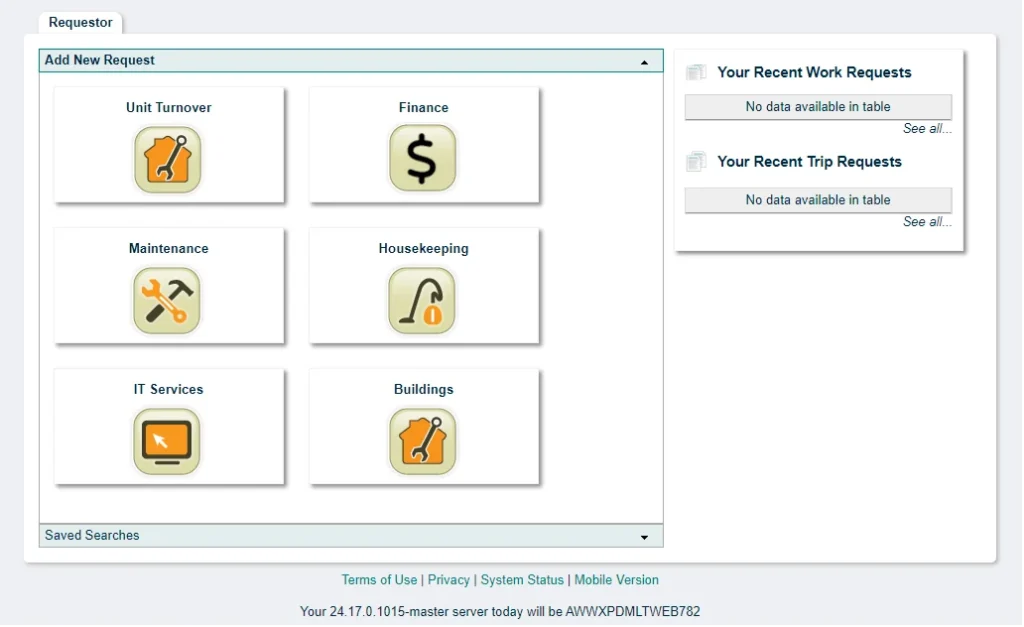
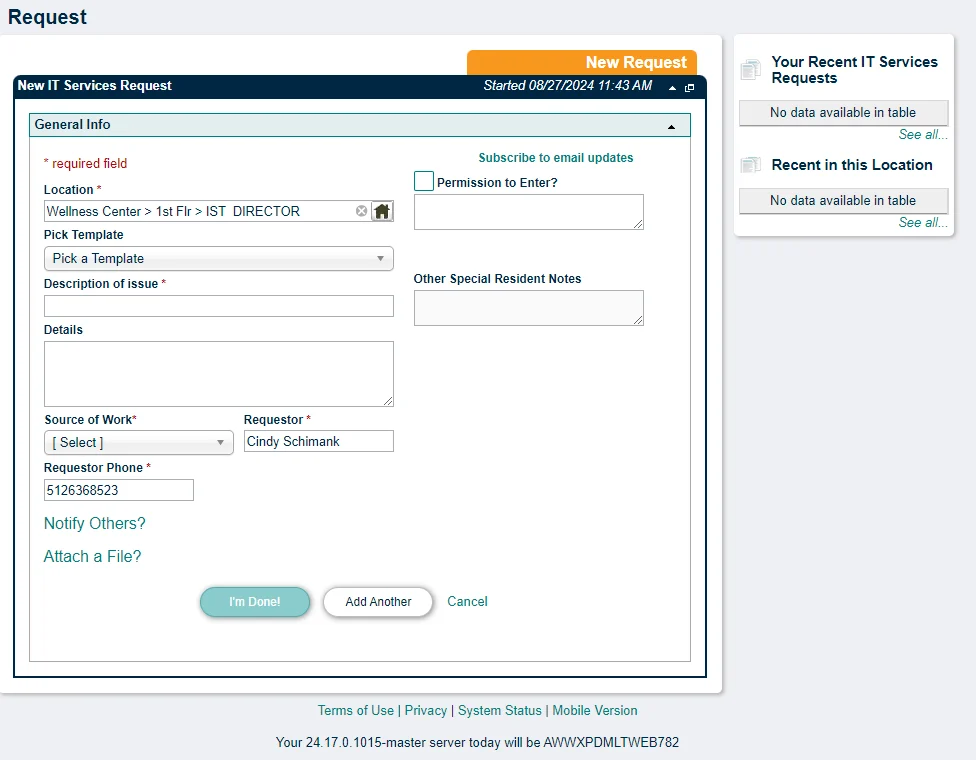
The ARC utilizes the WorxHub work order system to manage requests for Maintenance, Housekeeping (Grounds), Finance, and IST services. Work can be requested from your device by logging onto https://arc.theworxhub.com and entering your email address and password (provided to you upon move in). Once on the requestor form screen, recent requests appear in the right column for review. For a new request, click on the appropriate department and then fill in the request form. Please note that the UTO and Buildings departments are for employee use only.
If you need to reset your password, on the login page, click on “Forgot your password” link and follow the steps.